 Install for Chrome
 Install for Firefox
Known limitation
Shift
Evergreen syncs Other Bookmarks only.
One bookmark list, everywhere
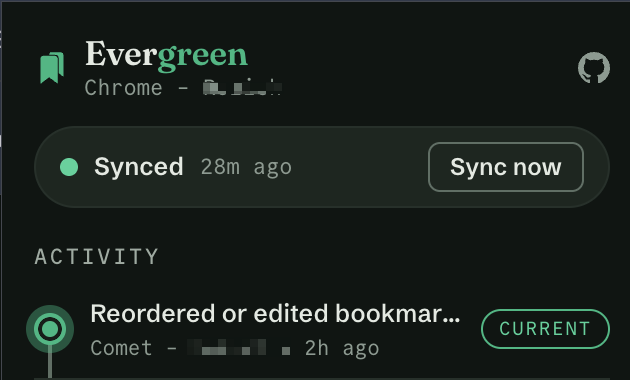
Evergreen is a free browser extension that syncs the bookmarks already in your browser through a private GitHub repository you own.
No separate bookmark library. No Evergreen account.
Desktop extension only. Browser support details are below.
100% free
No Evergreen account
No subscription
No telemetry
One list across every profile
Bookmark lists multiply quickly when every browser and profile keeps its own copy. Finding a saved link should not depend on remembering where you were when you saved it.
Evergreen syncs the browser's native bookmark tree, including folders and ordering where the browser exposes them consistently. Save, move, or reorganize a bookmark in one place and the same structure is ready everywhere else.
Three ways to sync
Each browser profile connects to one GitHub repository. Point profiles to the same repository to share a list, or use different repositories to keep bookmarks separate.
Connect every browser and profile to the same repository. Work, home, Chrome, and Firefox all stay in sync.
Give work, personal, and client profiles their own repositories. Each list stays synchronized without mixing contexts.
Give collaborators access to one repository and connect the profiles that should share it.
Sharing a repository? Keep it private unless you intend to share its contents. In a public repository, every bookmark title and URL becomes public.
Simple by design
Choose a GitHub repository that you control for your bookmark data.
Grant Evergreen access only to the repository you selected.
Export the configuration once, import it into another browser or profile, then give that browser a name.
Browser compatibility
Evergreen has separate desktop builds for Chromium and Gecko. These five browsers have been tested directly.

Verified

Verified

Verified
Verified

Verified
Expected, not verified
These browsers are expected to work, but they have not completed the same hands-on test pass.
 Edge
Edge Brave
Brave Opera
Opera Vivaldi
 Zen
Zen Waterfox
 LibreWolf
 Floorp
Known limitation
Evergreen syncs Other Bookmarks only.

Possible future
Safari is not supported. There is no promised date.
Firefox syncs Bookmarks Toolbar and Other Bookmarks. Firefox Bookmarks Menu is not synced.
Mobile browsers are not supported or promised.
Your data stays yours
Evergreen does not operate a cloud service. During sync, your bookmarks and token travel only between your browser and GitHub.
GitHub is the storage provider you choose. The website has no analytics or telemetry. Read the privacy policy for the full details.
Ready when you are
Install Evergreen and connect each desktop browser or profile to the same repository.